
Why Small Businesses Need IT Monitoring in 2026

IT monitoring is the ongoing process of observing, measuring, and managing a business's IT systems to maintain performance, security, and compliance. For small businesses, this practice is not optional. Unplanned IT downtime costs can exceed $100,000 per hour for micro-SMBs, a figure that makes even a single preventable outage a serious financial threat. The industry term for this discipline is continuous monitoring, and it covers everything from network health checks to automated security alerts. Understanding why small businesses need IT monitoring starts with recognizing that most IT failures are detectable before they become disasters.
Why small businesses need IT monitoring: the core case
Proactive IT management shifts IT operations from reactive break-fix cycles to stable, predictable service models with measurably lower operational risk. That shift matters because small businesses carry the same exposure to IT failure as larger organizations, but with far fewer resources to absorb the damage. A dental practice in Norman, Oklahoma that loses access to its scheduling system for two hours loses patient appointments, staff productivity, and billing capacity simultaneously. The financial and reputational cost compounds quickly.
Three factors make continuous monitoring especially critical for small businesses right now:
- Cyber threats targeting SMBs are rising. The majority of ransomware incidents target small and mid-sized businesses, not enterprise organizations. Attackers know SMBs often lack dedicated security staff.
- Compliance requirements are tightening. Frameworks like PCI DSS v4.0 and SOC 2 now mandate continuous monitoring activities, not annual reviews.
- Cloud adoption increases complexity. More systems, more endpoints, and more remote access points mean more places for problems to start.
Pro Tip: If your business handles payment card data, patient records, or legal documents, continuous monitoring is not just good practice. It is a compliance requirement under PCI DSS, HIPAA, and similar frameworks.
How does IT monitoring prevent costly downtime for small businesses?
Downtime prevention is the most immediate financial benefit of IT monitoring for small businesses. Synthetic monitoring runs scripted user journeys on a schedule from multiple geographic locations, detecting outages before any customer or employee notices a problem. This means your IT team, or your managed service provider, receives an alert and begins resolving the issue while most users are still unaware anything went wrong.

The operational drag from undetected issues is significant. A slow server that degrades over 48 hours before failing completely will reduce staff productivity throughout that window, not just during the outage itself. Monitoring telemetry enables faster investigation and resolution workflows compared to manual checks, reducing mean time to detect and mean time to respond. Both metrics directly affect how long a problem impacts your business.
For small businesses, the practical benefits of downtime prevention through IT monitoring include:
- Revenue protection. An e-commerce site or booking platform that goes down during peak hours loses sales that rarely return.
- Customer retention. Repeated outages erode client trust faster than almost any other operational failure.
- Staff productivity. Employees who cannot access core systems are idle, and idle time is a direct labor cost.
- Faster recovery. Monitoring logs provide a clear timeline of events, which accelerates root-cause analysis and repair.
Pro Tip: Ask any IT monitoring vendor whether their solution includes multi-location synthetic checks. Single-location monitoring can miss regional outages that affect your specific customer base.
In what ways does IT monitoring enhance cybersecurity for small businesses?
Continuous monitoring is the foundation of small business IT security because it detects threats in real time rather than after the damage is done. Automated log review identifies failed sign-in attempts, unauthorized configuration changes, unusual outbound traffic, and integrity violations. Each of these signals can indicate an active intrusion or a compromised credential, and catching them early is the difference between a contained incident and a full breach.
PCI DSS v4.0 mandates ongoing log review and automated alert mechanisms rather than periodic checks. This is a direct acknowledgment that point-in-time security assessments are no longer sufficient. The same logic applies to any small business handling sensitive data, regardless of whether PCI DSS applies to them specifically.
The security benefits of continuous monitoring follow a clear sequence:
- Detection. Automated alerts flag anomalies the moment they appear in system logs or network traffic.
- Containment. Early detection reduces attacker dwell time, which is the period between initial compromise and discovery. Shorter dwell time means less data exfiltrated and less damage done.
- Response. Monitoring tools provide the event timeline and affected system data that incident response teams need to act decisively.
- Recovery. Post-incident analysis of monitoring logs identifies the attack vector, enabling targeted remediation rather than guesswork.
"Continuous monitoring is better understood as operational continuity. It is a strategy that anticipates and avoids downtime rather than reacting after the fact." — What is IT monitoring
For a law firm or medical practice in Oklahoma City, a single breach can trigger regulatory penalties, client notification obligations, and reputational damage that outlasts the technical incident by months. Monitoring is the earliest and most cost-effective line of defense available.
What compliance and audit benefits does IT monitoring provide?
Compliance frameworks increasingly treat continuous monitoring as a control requirement, not a best practice. SOC 2's CC4 Monitoring Activities criteria demand ongoing or periodic assessments backed by logging and alerting dashboards. Businesses that rely on annual reviews or manual spot-checks cannot satisfy this requirement. Monitoring tools generate the logs, dashboards, and alert records that auditors need to verify that controls functioned throughout the entire assessment period.
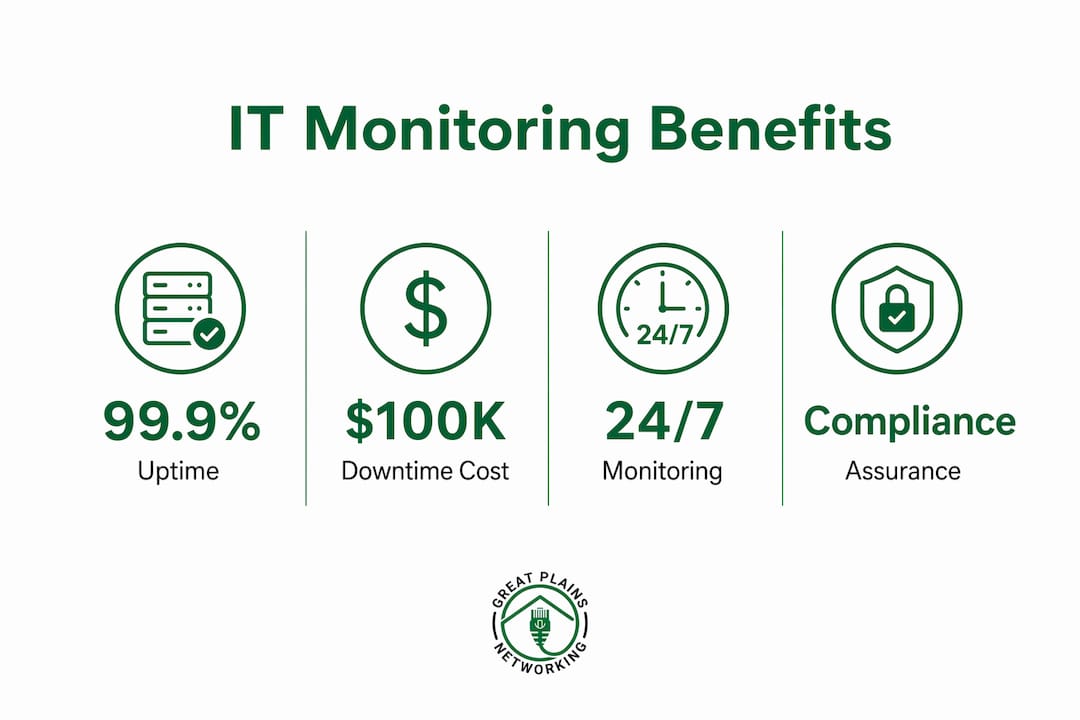
The practical difference between monitored and unmonitored environments during an audit is significant. Continuous monitoring reduces evidence scramble during audits by proving that controls functioned effectively throughout the period, not just at inspection moments. Without monitoring, businesses must reconstruct evidence retroactively, which is time-consuming and often incomplete.
| Compliance framework | What monitoring provides |
|---|---|
| SOC 2 (CC4) | Continuous control evidence via logs and alerting dashboards |
| PCI DSS v4.0 | Automated log review and alert mechanisms for cardholder data environments |
| HIPAA | Audit trails for access to protected health information |
| General business continuity | Documented incident timelines for insurance and legal purposes |
Non-compliance carries direct financial risk. Regulatory fines, failed audits, and lost contracts with enterprise clients who require vendor compliance certifications all represent costs that dwarf the investment in monitoring tools. For small businesses pursuing growth, compliance readiness is a competitive advantage, not just a legal obligation.
How can small businesses choose and implement effective IT monitoring solutions?
Selecting the right IT monitoring solution requires matching tool capabilities to your specific business environment and risk profile. The evaluation process should focus on four factors:
- Scope of monitoring. Does the solution cover network devices, servers, endpoints, cloud services, and applications? Gaps in scope create blind spots.
- Alerting channels. Multi-channel alerting via email, SMS, and ticketing integrations means the right person gets notified through the right channel at the right time.
- Scalability. A solution that works for five employees should also work for fifty without requiring a complete replacement.
- Cost structure. Per-device pricing models are predictable for small businesses. Avoid solutions with opaque or usage-based billing that spikes unexpectedly.
For most small businesses, the most practical path is partnering with a managed service provider (MSP) that includes 24/7 monitoring services as part of a flat-rate managed IT plan. This approach eliminates the need to hire dedicated IT staff while providing enterprise-grade monitoring capabilities. MSPs also handle alert triage, meaning your team is not woken up at 2 a.m. for a false positive.
Pro Tip: Before signing with any IT monitoring vendor or MSP, ask for a sample incident report. The quality of that document tells you exactly how useful their monitoring data will be when something actually goes wrong.
Common implementation pitfalls include deploying monitoring tools without defining alert thresholds, which generates alert fatigue, and monitoring infrastructure without also monitoring the applications that run on it. Both mistakes reduce the practical value of the investment significantly.
What are the broader operational advantages of IT monitoring?
Beyond security and compliance, IT monitoring delivers measurable operational benefits that affect day-to-day business performance. Resource utilization trend data flags upgrade opportunities before bottlenecks degrade user experience, enabling capacity planning decisions based on evidence rather than guesswork. A small business that knows its server is consistently running at 85% CPU capacity during business hours can schedule an upgrade proactively, rather than responding to a crash.
| Operational benefit | Business impact |
|---|---|
| Capacity planning | Prevents performance degradation by identifying resource constraints early |
| Reduced emergency calls | Proactive maintenance lowers after-hours incident volume |
| SLA compliance | Monitoring data verifies uptime commitments to clients and partners |
| Predictable IT costs | Fewer emergency repairs means more stable monthly IT expenditure |
Supporting service level agreement compliance is particularly relevant for small businesses that provide services to larger clients. Enterprise clients increasingly require vendors to demonstrate uptime and security standards. Monitoring data provides the documented evidence needed to satisfy those requirements and retain those contracts.
Key takeaways
Continuous IT monitoring is the single most cost-effective investment a small business can make to prevent downtime, reduce cybersecurity exposure, and maintain compliance readiness simultaneously.
| Point | Details |
|---|---|
| Downtime costs are severe | Unplanned outages can cost micro-SMBs over $100,000 per hour, making prevention far cheaper than recovery. |
| Monitoring is a security control | Automated log review and alerting detect threats early, reducing attacker dwell time and breach severity. |
| Compliance frameworks require it | SOC 2, PCI DSS v4.0, and HIPAA all demand continuous monitoring evidence, not annual snapshots. |
| MSP partnerships simplify deployment | Managed IT providers deliver 24/7 monitoring without requiring in-house IT staff or complex tool management. |
| Operational benefits extend beyond security | Capacity planning, SLA compliance, and predictable costs all improve with continuous monitoring in place. |
Why I think most small businesses are solving this problem backwards
Nicholas here. After working with small businesses across Norman, Moore, and Oklahoma City, the pattern I see most often is this: a business owner waits until something breaks, pays to fix it, and then considers monitoring as an afterthought. That sequence is backwards, and it is expensive.
The businesses that handle IT well treat monitoring the same way they treat insurance. You do not wait for a fire to buy a policy. You buy the policy because the cost of the fire is catastrophic and the cost of the policy is predictable. The math is not complicated. What makes it complicated is that monitoring failures are invisible until they are not. You never see the ransomware attack that got blocked at 3 a.m. You only see the one that got through.
The other thing I have observed is that small businesses consistently underestimate how much cyber threat activity is already targeting them. The assumption that attackers only go after large organizations is simply wrong. SMBs are targeted precisely because they are less defended. Monitoring is not a luxury for businesses that have "made it." It is foundational infrastructure for businesses that intend to stay operational. If your current IT system management does not include continuous monitoring, you are not managing your IT. You are hoping nothing goes wrong.
— Nicholas
How Greatplainsnetworking helps small businesses stay protected
Greatplainsnetworking provides managed IT services built specifically for small businesses in Norman, Moore, and Oklahoma City. Their 24/7 monitoring service identifies potential issues before they disrupt operations, covering network health, security events, and system performance across your entire IT environment. Clients ranging from dental practices to law firms receive customized monitoring plans, same-day response times, and plain-language reporting that makes IT management accessible without requiring technical expertise. There are no long-term contracts, and every plan is designed around the specific needs of your business. If you are ready to move from reactive IT to verified, continuous protection, Greatplainsnetworking is the local partner built for that work.
FAQ
What is IT monitoring for small businesses?
IT monitoring is the continuous observation of a business's network, servers, endpoints, and applications to detect performance issues, security threats, and compliance gaps before they cause operational disruption.
How much does IT downtime cost a small business?
Unplanned downtime costs micro-SMBs over $100,000 per hour according to ITIC estimates, making even a single preventable outage a significant financial event for most small businesses.
Does IT monitoring help with cybersecurity compliance?
Yes. PCI DSS v4.0 and SOC 2 both require continuous monitoring activities, including automated log review and alerting, as documented evidence that security controls are functioning throughout the compliance period.
Can a small business afford IT monitoring?
Most small businesses access IT monitoring cost-effectively through a managed service provider that bundles 24/7 monitoring into a flat-rate monthly plan, eliminating the need for dedicated in-house IT staff.
What is the difference between reactive IT support and continuous monitoring?
Reactive IT support responds after a problem is reported. Continuous monitoring detects issues automatically and often resolves them before any user notices, reducing both downtime duration and total recovery cost.
Recommended
Want help putting this into practice?
We'll audit your security, speed, and hardware in under an hour — no commitment, no sales pitch. Just a clear roadmap of what to fix and why.