
Why Nonprofits Benefit from Local IT Support
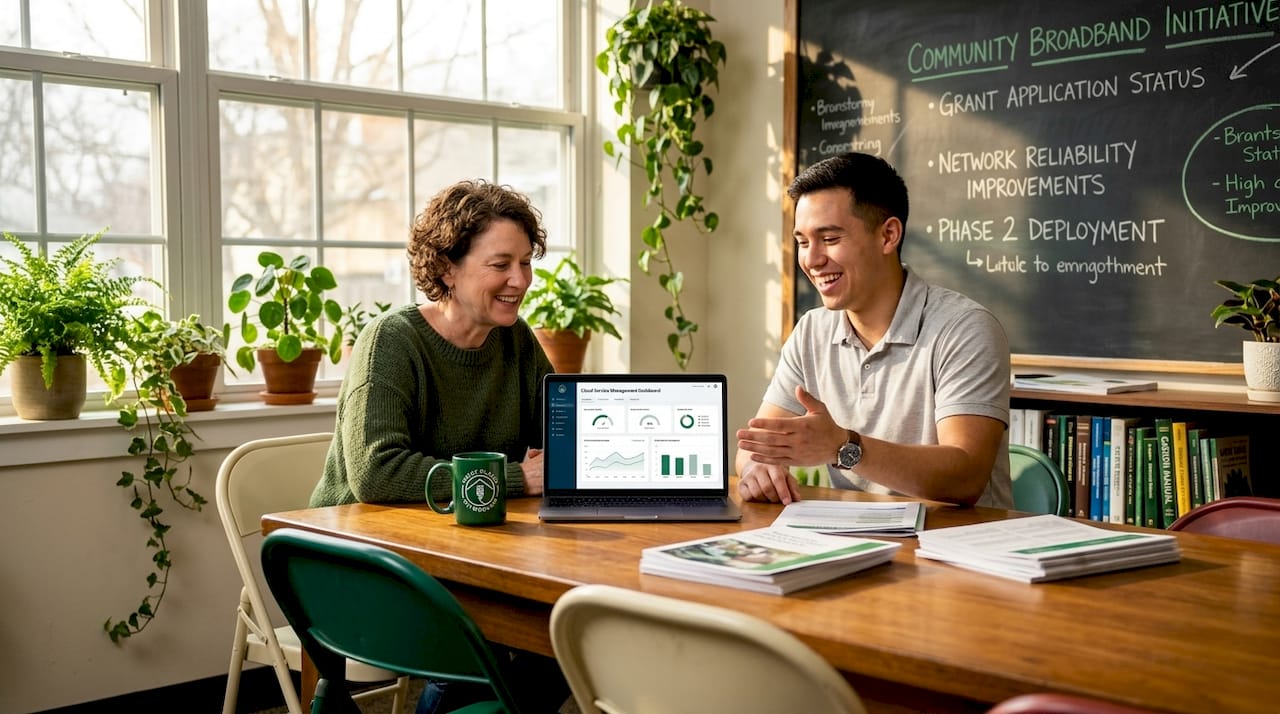
Most nonprofit leaders assume IT support is a background expense, not a strategic asset. That assumption is expensive. Across the sector, organizations are running on deferred maintenance, volunteer-managed systems, and ad hoc fixes that create real vulnerabilities. Understanding why nonprofits benefit from local IT support starts with recognizing that technology is no longer peripheral to mission delivery. It is central to it. From donor databases to case management platforms, every operational system carries risk when left unmanaged, and that risk compounds fast when there is no structured support in place.
Table of Contents
- Key takeaways
- Why nonprofits benefit from local IT support
- Bridging the gap on AI and technology governance
- Comparing local vs. remote IT: cost, security, and responsiveness
- How to choose and integrate a local IT partner
- My perspective on nonprofits and IT strategy
- How Greatplainsnetworking supports nonprofits in Oklahoma
- FAQ
Key takeaways
| Point | Details |
|---|---|
| Structured support beats ad hoc fixes | Formal managed IT services reduce technical debt and prevent the deferred maintenance that bogs down nonprofit staff. |
| AI adoption requires governance | 92% of nonprofits use AI but most lack documented strategy, making local IT guidance critical to responsible use. |
| Local providers respond faster | Physical proximity and regional knowledge allow local IT partners to resolve issues faster than remote services. |
| Cost-effectiveness extends mission capacity | Reducing downtime and IT overhead frees budget for programs rather than emergency repairs. |
| Selection criteria matter | Choosing a local IT partner with nonprofit experience and clear performance metrics produces measurably better outcomes. |
Why nonprofits benefit from local IT support
The term "managed IT services" is the recognized industry standard for what nonprofit leaders often call "IT support." It refers to a proactive, contracted relationship with a provider who monitors, maintains, and secures your technology infrastructure on an ongoing basis. This is meaningfully different from calling someone when something breaks.
Most nonprofits still operate in reactive mode. A server goes down, a volunteer with some tech knowledge gets called in, and the problem gets patched rather than fixed. That cycle creates technical debt, which is the accumulated cost of deferred updates, unpatched vulnerabilities, and systems that are held together by workarounds rather than sound configuration.
Structured IT help desk and managed services reduce the operational burden on staff who otherwise absorb IT tasks with limited capacity. When your program director is troubleshooting email configurations instead of managing grants, your mission pays the price.
Here is what shifts when nonprofits move from ad hoc IT to a structured local support model:
- Defined support windows mean staff know exactly when and how to get help, eliminating the ambiguity that causes small problems to become large outages.
- Proactive monitoring catches failing hardware, expiring certificates, and unusual login activity before any of those issues disrupt operations.
- Regular maintenance schedules replace the "fix it when it breaks" pattern with updates, backups, and security controls that keep systems resilient over time.
- Documented processes survive staff turnover, which is chronic in the nonprofit sector, rather than walking out the door with the employee who set everything up.
Pro Tip: Before signing any IT support agreement, ask the provider to walk you through their documentation practices. If they cannot show you how they record system configurations and incident histories, your organization will be vulnerable every time personnel changes occur.
The operational continuity gains alone justify the investment. But the case for local managed services goes deeper than uptime.
Bridging the gap on AI and technology governance
The most underreported challenge in nonprofit technology right now is not cybersecurity or outdated hardware. It is AI governance. 92% of nonprofits use AI in some capacity as of 2026, but the majority lack a documented strategy or the internal capacity to govern how AI tools are actually being used across teams.
That is a significant risk. When staff members independently adopt AI tools, without shared policies or oversight, organizations face data privacy exposures, inconsistent outputs, and compliance gaps that can affect donor trust and grant eligibility. A local IT partner fills that gap in ways a remote provider simply cannot.
Here is how local IT support builds responsible AI capacity for nonprofits:
- Assessing current AI use. A local IT partner can audit which tools staff are already using, identify shadow IT (unauthorized apps operating outside official systems), and document the current state before creating any policies.
- Building a governance framework. This includes acceptable use policies, data handling rules, and approval processes for new tools. Most nonprofits do not have these documents. A local IT consultant with sector experience can draft them using templates tailored to nonprofit compliance requirements.
- Training staff on responsible use. Policies only work when people understand them. Local providers can deliver on-site training sessions calibrated to your team's actual workflows, not generic corporate compliance modules.
- Integrating AI into secure workflows. Once governance is established, the same IT partner can help configure AI tools to operate within your security perimeter, connecting them to approved platforms and ensuring data does not flow to unauthorized third parties.
Nonprofit leaders who invest in IT culture and governance early transform AI from individual experimentation into a genuine organizational capability. That is the difference between one staff member using ChatGPT to draft emails and an entire development team using AI to research funders, draft proposals, and analyze program outcomes at scale.
Nonprofits with documented AI workflows unlock compound benefits across teams, turning a collection of personal tools into a mission multiplier. Local IT support is what makes that transition structured and secure rather than chaotic and risky.
Comparing local vs. remote IT: cost, security, and responsiveness
Not all IT support is created equal. Nonprofits evaluating their options typically compare local managed services against two alternatives: hiring internal IT staff or contracting with a large remote provider. Each has tradeoffs, but the comparison is instructive.
| Factor | Local managed IT | Remote IT provider | Internal IT hire |
|---|---|---|---|
| Response time | Same-day or faster on-site | Hours to days, remote only | Immediate, but limited capacity |
| Cost | Predictable monthly fee | Often lower cost, but slower | High fixed salary plus benefits |
| Regional knowledge | Knows local compliance and risks | Generic, not region-specific | Depends on hire background |
| Cybersecurity | Tailored to local threat patterns | Standard protocols applied broadly | Requires ongoing training investment |
| Scalability | Scales with organizational needs | Can scale but impersonally | Difficult to scale without new hires |
| Staff burden | Fully offloaded | Partially offloaded | Internally managed |
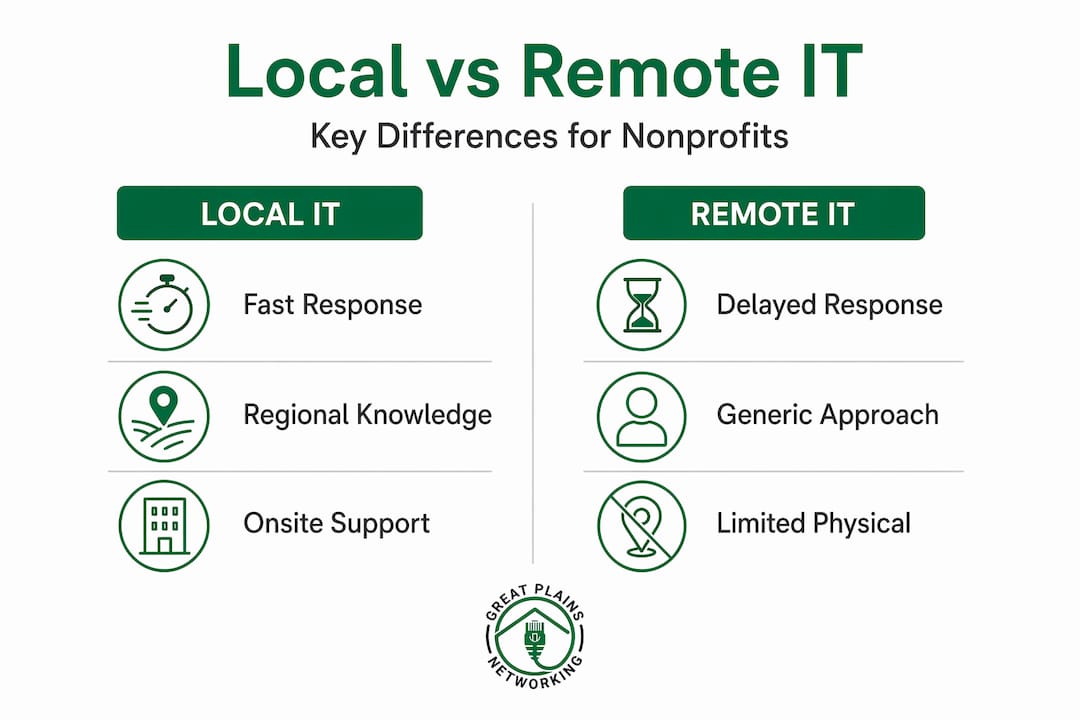
Local IT support offers cost savings by reducing downtime and improving infrastructure efficiency. Beyond the direct cost comparison, local providers bring something remote services structurally cannot: physical presence and regional context.
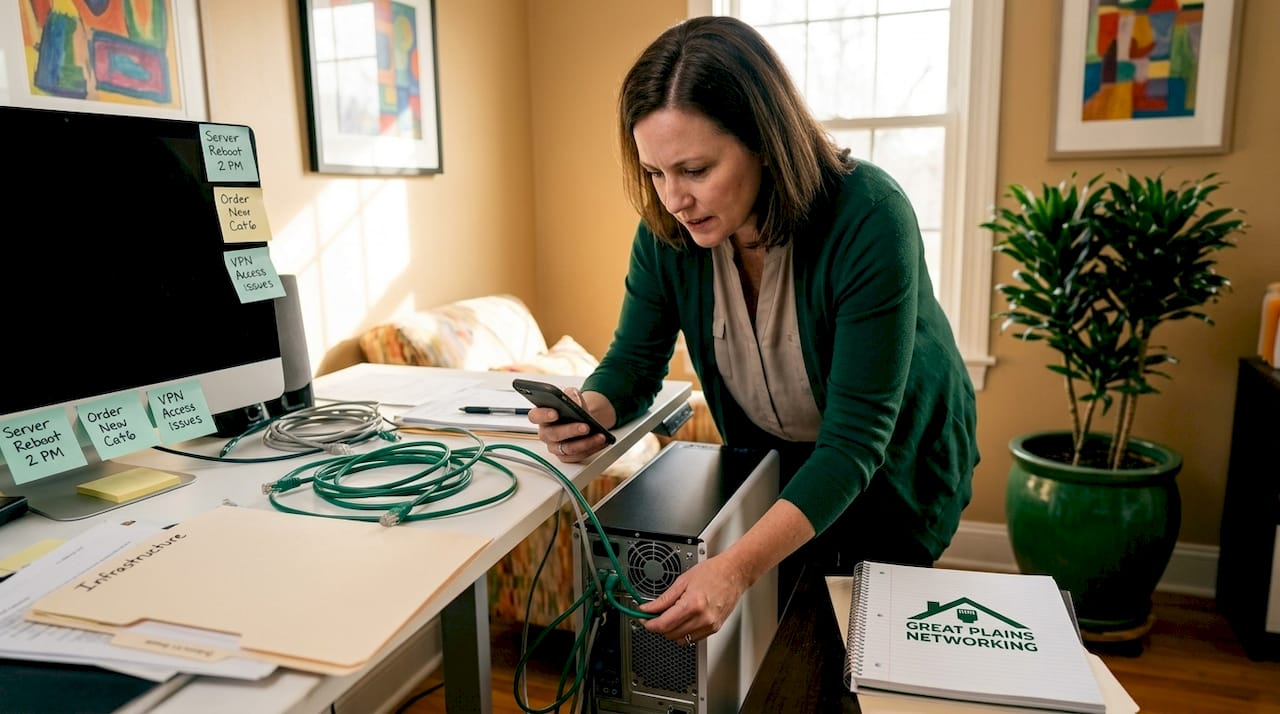
Local providers understand regional risks, compliance requirements specific to your state or sector, and can physically attend on-site when an emergency requires hands-on resolution. A remote provider, no matter how technically capable, will ask you to restart the server. A local provider will drive to your office.
Cost-effective local IT solutions also reduce duplicated effort across systems. Nonprofits that share regional IT resources or partner with a provider embedded in their community often find that infrastructure costs drop while service quality improves, because the provider already understands the technology landscape they are working within.
Pro Tip: When comparing IT support quotes, calculate the true cost of downtime at your organization before making a decision based on monthly fees. One major outage during a fundraising campaign or grant deadline can easily exceed an entire year of managed service fees.
How to choose and integrate a local IT partner
Selecting the right local IT provider requires more than checking references. Nonprofit leaders need a selection process that surfaces whether a provider genuinely understands the sector's constraints and priorities.
Here is what to evaluate before signing an agreement:
- Nonprofit and sector experience. Ask for examples of other nonprofits the provider serves. Relevant sectors include healthcare nonprofits, social services organizations, and educational institutions, each of which carries distinct compliance requirements (HIPAA, FERPA, state grant reporting).
- AI and modern technology readiness. Any provider you consider should be able to speak concretely about AI governance, cloud security, and multi-factor authentication (MFA). If they cannot, they are not equipped to support your organization's current and near-term technology needs.
- Communication standards. The right local IT support should communicate in plain language, without jargon, and provide written documentation for every significant change made to your systems.
- Defined performance metrics. Require a service level agreement (SLA) that specifies response time commitments, uptime guarantees, and escalation procedures. Vague promises are not accountability.
- Cultural alignment. Your IT partner will interact with staff across your organization. A provider who dismisses your team's concerns or talks over non-technical staff will create friction, not confidence.
- Contract flexibility. Avoid providers who require multi-year lock-ins before they have demonstrated results. Month-to-month or short-term agreements protect your organization and keep the provider accountable.
Viewing IT support as capacity-building and risk management, rather than a reactive expense, changes how organizations allocate resources and plan technology governance. The right partner does not just fix problems. They help you build an organization that has fewer of them.
My perspective on nonprofits and IT strategy
I have worked alongside enough nonprofit organizations to say this plainly: the ones that treat IT as a strategic investment consistently outperform the ones that treat it as a line item to minimize.
What I have seen repeatedly is that nonprofit leaders are not indifferent to technology. They are stretched thin, and IT decisions keep getting pushed to next quarter's agenda. The result is not just outdated hardware. It is a culture where technology problems are normalized rather than addressed, where staff work around broken systems because fixing them feels too complicated, and where data loss or a ransomware incident is an "if" that slowly becomes a "when."
The organizations that break this pattern share one trait: they engaged a local IT partner before a crisis forced their hand. Proactive capacity-building, not emergency response, is what separates organizations with resilient technology from those perpetually recovering from the last incident.
My take on AI governance is equally direct. Most nonprofits are already using AI. The question is whether that use is intentional and documented, or scattered and untracked. Local IT support is what converts scattered use into a documented, governed capability. That is not a technology project. It is an organizational maturity project, and it pays dividends in operational confidence, donor trust, and staff efficiency.
Start with an honest audit of your current systems. Then find a local partner who has done this before with organizations like yours.
— Nicholas
How Greatplainsnetworking supports nonprofits in Oklahoma

Greatplainsnetworking provides managed IT services for nonprofits in Norman, Moore, and Oklahoma City, with a clear focus on proactive support rather than reactive repairs. Their 24/7 monitoring service identifies issues before they disrupt operations, and same-day response times mean your team is never left waiting when something critical breaks. Every client receives a customized IT plan built around their specific workflows and compliance requirements. There are no long-term contracts, so the relationship stays performance-driven from day one. If your organization is ready to move from ad hoc IT to a structured, local support model, Greatplainsnetworking is built to make that transition straightforward and sustainable. Explore their nonprofit IT services to see how their local expertise translates to real operational gains.
FAQ
Why do nonprofits need local IT support specifically?
Nonprofits need local IT support because local providers understand regional compliance requirements, respond faster to on-site emergencies, and build relationships with staff that remote providers cannot replicate.
How does local IT support help with cybersecurity for nonprofits?
Local IT services tailor cybersecurity to regional threat patterns and organizational risk profiles, providing protections that generic remote providers apply too broadly to be effective.
What is the cost difference between local managed IT and hiring internal IT staff?
Local managed IT services offer predictable monthly fees with no salary, benefits, or training overhead, making them significantly more cost-effective for most nonprofits than maintaining a full-time internal IT hire.
How can nonprofits govern AI use without deep internal IT expertise?
A local IT partner can audit existing AI tool use, draft governance policies, and configure approved tools within a secure workflow, removing the need for in-house expertise to manage AI responsibly.
How do nonprofits choose the right local IT provider?
Evaluate nonprofit sector experience, communication practices, SLA terms, and contract flexibility before committing. Providers who cannot demonstrate prior work with mission-driven organizations are a higher-risk choice.
Recommended
Want help putting this into practice?
We'll audit your security, speed, and hardware in under an hour — no commitment, no sales pitch. Just a clear roadmap of what to fix and why.