
IT Services Small Business Checklist for 2026

An effective IT services small business checklist covers cybersecurity, network management, backup protocols, IT support structures, and vendor oversight to maintain business continuity and protect your data. This is the industry-recognized framework called a managed IT services plan, and every small business operating in 2026 needs one documented and tested. Without it, you are reacting to problems instead of preventing them. Tools like Bitwarden for password management, Veeam or Acronis for backups, and Cloudflare for web protection are the named building blocks of a practical, cost-effective IT foundation. The checklist below breaks each category into specific, verified actions you can audit today.
1. Must-have cybersecurity services for small businesses
Cybersecurity is the first line of defense in any IT services checklist, and it starts with access control. Multi-factor authentication (MFA) must be enforced on every user account, including email, cloud storage, and remote access tools. MFA alone blocks the majority of credential-based attacks, and free options like Microsoft Authenticator or Google Authenticator remove any cost barrier.
Password management is equally non-negotiable. Tools like Bitwarden, 1Password, or Keeper give every employee a unique, strong password for each system without requiring them to memorize anything. Basic cybersecurity tools like password managers and MFA apps often cost under $10 per user monthly, making this one of the highest-value investments per dollar in your entire IT budget.
Endpoint protection software such as Malwarebytes or Microsoft Defender should run on every device that touches your network. Automatic security updates must be enabled across all operating systems and applications. Vulnerability scanning, even quarterly, catches misconfigurations before attackers do.

For web protection, cloud-based firewall solutions like Cloudflare's free tier provide effective web application protection without costly hardware. Your office router's built-in firewall and Windows Defender on endpoints cover the remaining perimeter at zero additional cost.
Pro Tip: Small businesses should allocate 5-10% of their total IT budget toward cybersecurity. If your current IT spend is $3,000 per month, that means at least $150 to $300 dedicated specifically to security tools and practices.
Key cybersecurity checklist items:
- MFA enforced on all accounts (email, cloud, VPN, admin portals)
- Password manager deployed for all staff
- Endpoint protection active on every device
- Automatic OS and application updates enabled
- Quarterly vulnerability scans scheduled
- Cloudflare or equivalent WAF protecting public-facing web assets
- Phishing awareness training completed at least annually
2. Network management and documentation your business needs
A documented network diagram is the foundation of reliable network management. Without it, troubleshooting takes three times as long, and new IT providers cannot get up to speed quickly. Your diagram should show every device, IP address, switch, router, and connection point, updated whenever hardware changes.
Business-grade firewalls from vendors like Cisco Meraki, Fortinet, or Ubiquiti provide far more control than consumer-grade routers. Guest networks should be isolated using VLANs so that a visitor's device cannot reach your internal file servers or point-of-sale systems. Documenting your network and maintaining network health are directly tied to IT service quality and uptime.
DNS filtering through tools like Cisco Umbrella or Cloudflare Gateway blocks malicious domains before a connection is even established. Unused ports on switches and routers should be disabled. Regular patching of network firmware is as critical as patching workstations, yet it is the item most commonly skipped.
For monitoring, the goal is not to collect every log. Focus on meaningful alerts such as repeated failed sign-ins followed by a successful login, which signals a likely account compromise. A simple ticket system or spreadsheet to record incident outcomes builds a practical audit trail without overwhelming your team.
| Network management task | Recommended tool or method | Frequency |
|---|---|---|
| Network diagram update | Lucidchart, draw.io, or manual documentation | On every hardware change |
| Firmware patching | Vendor portals (Cisco, Ubiquiti, Fortinet) | Monthly |
| DNS filtering review | Cisco Umbrella, Cloudflare Gateway | Quarterly |
| Alert review | Ticket system or spreadsheet log | Weekly |
| VLAN segmentation audit | Managed switch admin console | Quarterly |
3. IT support models that fit small business budgets
The two primary IT support models are break-fix and managed IT services, and the difference in cost predictability is significant. Break-fix support costs $100 to $200 per hour and produces unpredictable monthly expenses. Managed IT services, priced at $150 to $300 per user per month, replace that unpredictability with a flat, budgetable fee that includes proactive monitoring, patching, and help desk access.
The real cost of reactive IT is not just the hourly rate. It includes lost productivity while staff wait for repairs, potential data loss, and the reputational damage of extended downtime. The true cost of IT includes unexpected downtime and lost productivity, and managed IT services exist specifically to protect against both.
For a business with 5 to 25 employees, IT support costs generally range from $1,200 to $5,000 monthly depending on user count, service level, and technology complexity. That range sounds wide, but it narrows quickly once you define your required services.
Pro Tip: Before signing any managed IT contract, ask specifically what is included in the help desk response time guarantee. Same-day response for critical issues is the standard you should expect, not a premium add-on.
| Support model | Cost structure | Best for |
|---|---|---|
| Break-fix | $100-$200/hr, billed per incident | Businesses with very low IT needs |
| Managed IT services | $150-$300/user/month, flat fee | Businesses needing reliable uptime |
| Hybrid model | Flat fee for monitoring + hourly for projects | Transitioning businesses |
Proactive IT support reduces reactive firefighting and gives small businesses the operational stability needed to focus on growth rather than tech problems.
4. Backup and disaster recovery practices to adopt now
Daily automated backups are non-negotiable for any small business with digital records, client data, or financial files. The backup itself is only a hypothesis until you test it. Regular backups combined with documented disaster recovery plans and test restores are what actually protect a business from data loss.
Monthly test restores are the standard. A backup that has never been restored is an untested backup, and untested backups fail at the worst possible moment. Tools like Veeam and Acronis automate both the backup process and the restore verification, giving you a documented record that recovery works.
Your disaster recovery plan must include more than just backup software. It needs a contact list for key vendors and staff, documented recovery time objectives (RTO) and recovery point objectives (RPO), alternate work location procedures, and a communication plan for notifying clients if systems go down. Backup documentation should cover all of these elements, not just the technical restore steps.
Offsite and cloud backups add the redundancy that local-only backups cannot provide. A ransomware attack that encrypts your local servers will also encrypt a locally connected backup drive. Cloud backups stored with immutable retention policies in platforms like Azure Backup or Backblaze B2 survive ransomware because they cannot be altered by an attacker with network access.
Backup checklist items to verify:
- Daily automated backups running and logged
- Monthly test restores completed and documented
- Offsite or cloud backup copy maintained (follow the 3-2-1 rule: 3 copies, 2 media types, 1 offsite)
- RTO and RPO defined in writing
- Disaster recovery contact list current and accessible offline
- Backup solution (Veeam, Acronis, or equivalent) under active support contract
For detailed guidance on structuring your backup strategy, the data backup best practices resource from Greatplainsnetworking covers daily backup schedules, test restore procedures, and recovery planning in full.
5. Hardware and software inventory management
A current hardware and software inventory is a foundational element of any IT services checklist that most small businesses skip until something breaks. A documented inventory covering all hardware and software, combined with quarterly security reviews, is a recommended baseline for maintaining a strong security posture.
Every device on your network should be cataloged with its make, model, serial number, operating system version, and assigned user. Software licenses should be tracked alongside renewal dates to avoid lapses that create compliance risk or unexpected costs. Tools like Snipe-IT (open source) or NinjaRMM provide asset tracking without requiring enterprise-level budgets.
The inventory also drives your patch management process. You cannot patch what you do not know exists. A quarterly review of the inventory against known end-of-life hardware and software flags devices that need replacement before they become security liabilities.
6. Vendor management and third-party oversight
Every software subscription, cloud service, and hardware vendor your business relies on represents a potential point of failure or security exposure. Vendor management means knowing who has access to your systems, what data they can reach, and what their security practices look like.
Start by listing every third-party tool your business uses, from accounting software like QuickBooks to communication platforms like Microsoft Teams or Slack. For each vendor, document the contact for support, the renewal date, and whether they have access to sensitive data. When evaluating new tools, a business software selection checklist helps you assess security, integration, and support quality before committing.
Vendor access should follow the principle of least privilege. A payroll provider does not need access to your CRM. A web developer does not need admin rights to your email system. Reviewing and revoking unnecessary vendor access quarterly is a simple control that significantly reduces your attack surface.
7. User training and IT policy documentation
Technology tools only work as well as the people using them. User training is not a one-time event. It is a recurring item on your small business tech checklist, scheduled at least annually and triggered whenever a new threat type emerges.
Phishing simulation tools like KnowBe4 or Proofpoint Security Awareness Training test employees with realistic fake phishing emails and provide immediate feedback when someone clicks. This approach is measurably more effective than passive training videos. Pair simulations with a clear written policy on acceptable use, password requirements, and incident reporting.
IT policy documentation should also cover remote work procedures, device management rules for personal devices (BYOD), and the steps employees must follow if they suspect a security incident. Written policies create accountability and give your IT provider or managed services team a clear baseline to enforce.
Key takeaways
A complete IT services checklist for small businesses requires cybersecurity controls, documented network management, tested backups, a proactive support model, and trained users working together as a system.
| Point | Details |
|---|---|
| Cybersecurity starts with MFA | Enforce MFA on all accounts and deploy a password manager before adding other tools. |
| Tested backups are the standard | Monthly restore tests with Veeam or Acronis confirm your backups actually work when needed. |
| Managed IT beats break-fix | Flat-fee managed services at $150-$300 per user per month replace unpredictable hourly repair costs. |
| Network documentation is non-negotiable | A current network diagram and VLAN segmentation reduce troubleshooting time and limit breach exposure. |
| Training closes the human gap | Annual phishing simulations and written IT policies reduce the risk that a staff member becomes the entry point. |
What I've learned from watching small businesses skip the basics
Working with small businesses across industries, the pattern I see most often is not a lack of budget. It is a lack of sequence. Owners invest in a new firewall before they have MFA in place. They buy backup software but never run a test restore. They sign a managed IT contract without asking what the help desk response time actually covers.
The checklist format works because it forces sequence. Cybersecurity controls come before network complexity. Backup testing comes before disaster recovery planning. User training comes before you hand out admin credentials. When you treat IT as a system with dependencies rather than a list of isolated purchases, the whole thing becomes more resilient and far less expensive to maintain.
The other misconception I encounter regularly is that hiring an IT provider transfers all security responsibility to that provider. It does not. Businesses must maintain shared responsibility with their IT providers, actively reviewing meaningful security alerts and recording incident outcomes. Your provider monitors and responds. You stay informed and engaged. That partnership is what actually produces a strong security posture.
Aligning IT investments with business goals rather than treating IT as isolated tech fixes is the shift that separates businesses that grow efficiently from those that spend reactively. Budget for IT the same way you budget for rent: as a predictable, non-negotiable operating cost that keeps everything else running.
— Nicholas
How Greatplainsnetworking supports your IT checklist
Greatplainsnetworking provides managed IT services tailored specifically for small businesses in Norman, Moore, and Oklahoma City. Their 24/7 monitoring service identifies and resolves IT issues before they disrupt operations, covering cybersecurity, backup management, patch management, vendor oversight, and help desk support under a single predictable monthly plan.
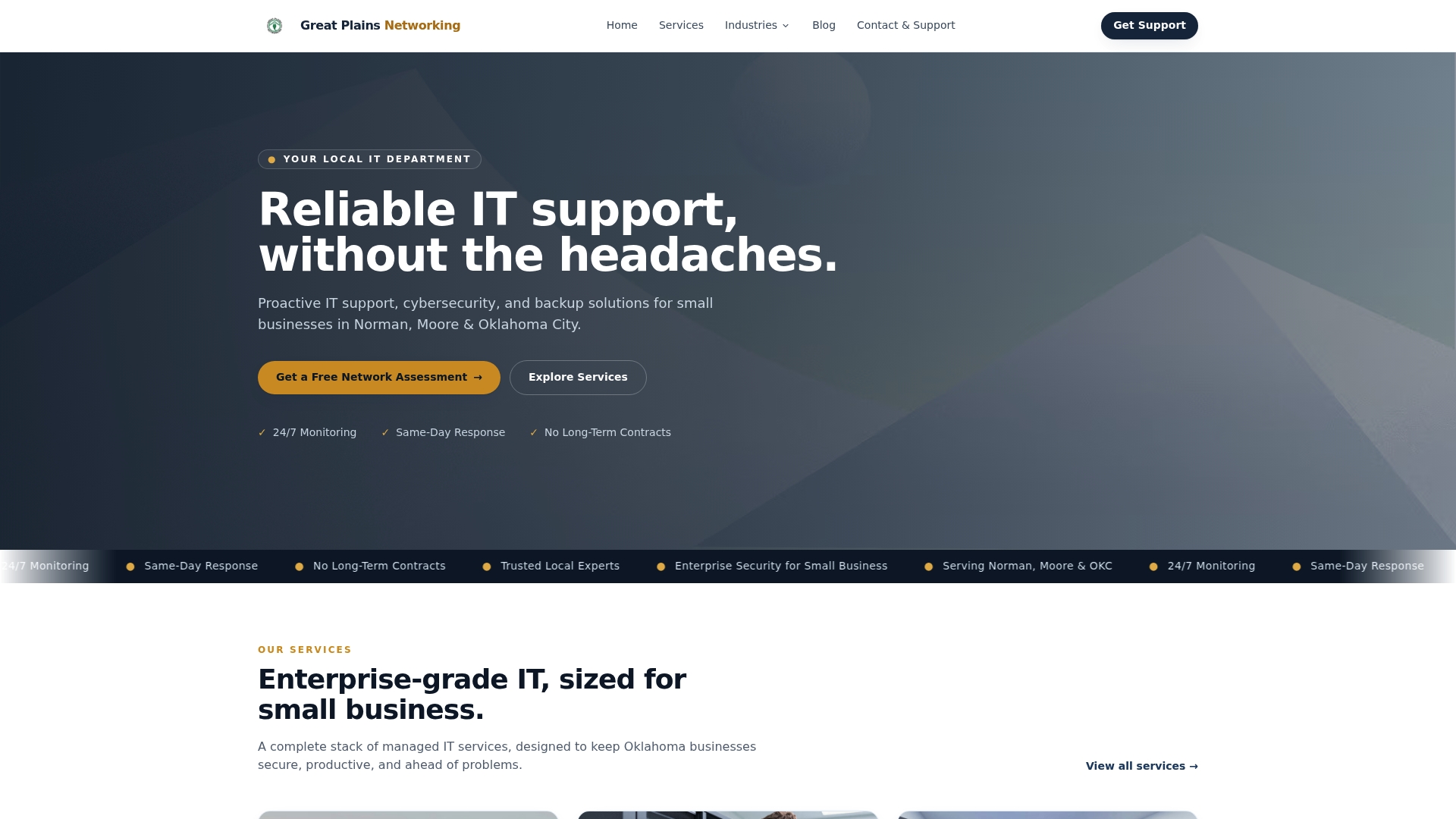
Clients ranging from dental practices to law firms rely on Greatplainsnetworking for same-day response times, plain-language communication, and no long-term contracts. If you want a verified IT services checklist implemented and maintained by a local team that knows your business, Greatplainsnetworking is the partner built for that work.
FAQ
What should an IT services checklist include for a small business?
A complete IT services checklist covers MFA enforcement, password management, endpoint protection, automated daily backups with monthly test restores, a documented network diagram, patch management, and a defined IT support model. These categories address the most common causes of downtime and data loss for small businesses.
How much should a small business spend on IT services?
IT support for small businesses with 5 to 25 employees typically costs $1,200 to $5,000 per month depending on user count and service level. Cybersecurity tools specifically should represent 5 to 10 percent of the total IT budget.
What is the difference between break-fix and managed IT services?
Break-fix IT charges $100 to $200 per hour when something goes wrong, producing unpredictable costs. Managed IT services charge a flat monthly fee per user and include proactive monitoring, patching, and help desk support to prevent problems before they occur.
How often should small businesses test their backups?
Monthly test restores are the recommended standard. A backup that has never been restored is unverified, and tools like Veeam and Acronis can automate both the backup process and the restore verification with documented results.
Do small businesses need a network diagram?
Yes. A current network diagram is a foundational IT checklist item that reduces troubleshooting time, supports VLAN segmentation, and allows any IT provider to understand your infrastructure quickly. It should be updated every time hardware changes.
Recommended
Want help putting this into practice?
We'll audit your security, speed, and hardware in under an hour — no commitment, no sales pitch. Just a clear roadmap of what to fix and why.