
24/7 IT Monitoring for Small Businesses: What to Expect
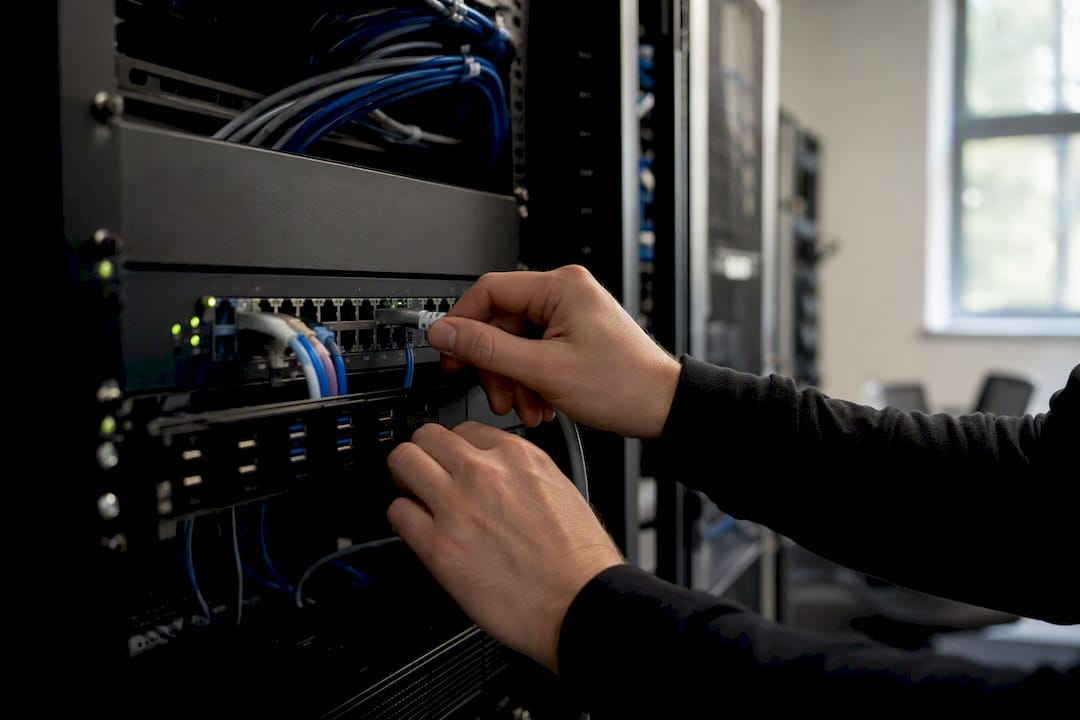
24/7 IT monitoring continuously watches the systems that keep your business running, and it alerts or escalates the moment something matters. Detection comes first, then automated or human triage, then escalation to whoever can fix it before it becomes an outage.
Before you sign anything, here's what to do:
- Monitor what breaks the business first. Servers, backups, and internet uptime beat monitoring every printer on the network.
- Ask who actually answers at 2 AM. A named on-call engineer, not a ticket queue.
- Get the minimum SLA in writing. For critical systems, that should mean under 15 minutes to first response, not "same business day."
The delivery model behind most services blends automated telemetry (agents reporting data around the clock) with managed escalation. A person reviews the alert, decides if it's real, and acts.
Pro Tip: Ask a prospective provider to show you a real alert from the past week, including how long it took from detection to resolution. If they can't produce one, they're not really monitoring anything yet.
Key Takeaways
Effective 24/7 IT monitoring combines continuous telemetry with tuned alerting, documented runbooks, and a clear SLA, not just a dashboard that watches your servers.
| Point | Details |
|---|---|
| Start with critical systems | Monitor firewalls, core servers, and backups first, expanding coverage as budget allows. |
| Demand a written SLA | Get response time in minutes for critical alerts, not vague "as soon as possible" language. |
| Alert tuning prevents fatigue | Untuned alerts flood responders and cause real incidents to get missed or ignored. |
| Backup verification is non-negotiable | Confirm backups are restorable, not just completed, as part of routine monitoring. |
| Greatplainsnetworking offers a low-risk pilot | A 30-day monitoring audit with defined success metrics and no long-term contract lets you test coverage before committing. |
Table of Contents
- What Does 24/7 IT Monitoring Actually Cover?
- Which Capabilities Actually Matter in a 24/7 Monitoring Service?
- Why 24/7 Monitoring Pays for Itself
- How Telemetry Becomes an Actual Fix
- How to Choose a 24/7 Monitoring Provider
- Your 30 to 60 Day Rollout Plan
- Get 24/7 Coverage From a Local Team That Answers the Phone
- Frequently Asked Questions
- Sources
What Does 24/7 IT Monitoring Actually Cover?
Most small businesses picture "monitoring" as one thing. It's really seven layers stacked together, and a good provider watches all of them, even if some get more attention than others.
- Network: routers, switches, firewalls, and bandwidth, catching outages before staff notice.
- Servers: CPU, memory, disk space, and failed backup jobs, since a full disk quietly kills performance for days before it crashes anything.
- Endpoints: laptops and desktops, flagging malware, disk failures, or missing patches.
- Applications (APM): whether your line-of-business software or Microsoft 365 is actually responding, not just "up."
- Websites and synthetics: scripted checks that simulate a customer loading your site or checkout page.
- Real-user monitoring (RUM): what actual visitors experience, load times and errors in the wild.
- Cloud and logs/SIEM: cloud service health plus security event correlation across everything above.
Here's the common misconception worth clearing up now: 24/7 doesn't guarantee a human fixes every problem the instant it happens at 3 AM. It guarantees the problem gets seen, triaged, and routed correctly, which is what actually prevents a small glitch from becoming a Monday-morning crisis.
Which Capabilities Actually Matter in a 24/7 Monitoring Service?
Feature lists all look similar until you dig into how each capability behaves under pressure. The differences show up in three areas.
Data collection. Agent-based telemetry installs small software on each device for deep visibility, while agentless checks poll from outside, useful for network gear you can't install anything on. Synthetic monitoring scripts a fake transaction (like "load the login page every five minutes"), while real-user monitoring captures what actual customers experience, both matter, and neither replaces the other.
Alert handling. This is where most services separate from the pack:
- Alerting and correlation group related events instead of firing 40 separate tickets for one router failure.
- Triage and prioritization rank what's urgent versus what can wait until morning.
- Automated remediation ("self-heal") restarts a hung service without waking anyone.
- Runbook-driven escalation hands off to a specific person when automation can't solve it.
Reporting and security. Log collection paired with SIEM-level correlation separates a performance blip from an actual continuous monitoring threat signal, since always-on environments face always-on risk. Backup verification, confirming last night's backup actually completed and is restorable, belongs in this bucket too, along with a dashboard you can glance at without calling anyone.
Why 24/7 Monitoring Pays for Itself
The math is simpler than most owners assume. A monitoring subscription costs a predictable monthly fee. An unmonitored outage costs lost revenue, overtime labor, and often a client who doesn't come back. Proactive IT support built around continuous monitoring, automated patching, and backup checks shifts your IT spend from firefighting to prevention.
The benefits compound beyond uptime:
- Faster detection shrinks incident scope before it spreads.
- Predictable monthly costs replace unpredictable emergency invoices.
- Stronger security posture supports cyber insurance applications, which increasingly ask about monitoring.
- Employees stop losing hours to "the system is slow again."
A Bayesian cost analysis of end-user support investment modeled proactive versus reactive support costs in equipment-heavy environments and found proactive monitoring can be economically justified once failure rates and downtime costs are factored in. Downtime costs for client-facing businesses such as law firms or dental practices can be high enough that investing in monitoring fees is justified, especially once you count staff sitting idle. See how this plays out for equipment-heavy operations where every minute of downtime has a dollar figure attached.
How Telemetry Becomes an Actual Fix
The workflow behind "24/7 monitoring" runs through five stages, and understanding it helps you evaluate whether a provider's process is real or just marketing language.
- Agents and data collectors gather metrics from your servers, network, and endpoints continuously.
- That data streams to a central platform that watches for thresholds and anomalies.
- Alerting and correlation software groups related signals so one root cause doesn't generate ten tickets.
- A human triages the alert, deciding severity and whether it's a false positive.
- The team follows a runbook to remediate directly, or escalates to a specific on-call contact if it's beyond scripted fixes.
SLA tiers determine who gets woken up. A failed backup at 1 AM might wait for morning review. A firewall going down at 1 AM should page someone immediately.
Pro Tip: Ask what percentage of alerts get resolved without ever reaching a human. A mature setup automates the routine stuff and reserves people for what actually needs judgment.
How to Choose a 24/7 Monitoring Provider
Not every monitoring pitch is what it claims to be. Run through this checklist before signing anything:
- Confirm which integrations they support (your line-of-business software, Microsoft 365, your specific firewall brand).
- Ask for a sample report so you know what "reporting" actually means to them.
- Get the SLA response time in writing, in minutes, not "as soon as possible."
- Understand the escalation model: who's contacted, in what order, after how long.
- Ask what's included versus billed as an add-on for critical systems.
Pricing usually follows one of a few structures: per-device, per-user, tiered by service level, or flat-rate with critical-system add-ons. SME-focused guidance suggests full enterprise-grade coverage isn't always necessary. A pragmatic approach monitors core services (firewall, key servers, backups) around the clock and checks lower-priority systems during business hours.
A provider with no documented runbooks, an alert system that floods your inbox without prioritization, or vague promises about response time isn't offering monitoring. They're offering a dashboard nobody watches.
Watch for these red flags specifically: unclear escalation paths, no backup verification process, and contracts that promise "24/7" but define response windows in hours rather than minutes.
Your 30 to 60 Day Rollout Plan
Running 24/7 monitoring as a structured pilot, rather than flipping a switch, catches problems before they cost you.
- Week 1 to 2: Inventory every device, server, and application. Gather admin credentials.
- Week 2 to 3: Deploy agents and connect agentless checks for network gear.
- Week 3 to 4: Establish a performance baseline so alerts reflect real anomalies, not guesswork.
- Week 4 to 6: Tune alert thresholds to cut noise and build runbooks for common incidents.
- Week 6 to 8: Run the full pilot, review incident response times, and confirm backup verification is working.
Assign clear ownership: one internal point person, one MSP lead, and a defined escalation contact for after-hours emergencies.
- Skipping inventory leads to blind spots nobody notices until something fails.
- Missing login credentials stall agent deployment for days.
- Untested backups give false confidence. Verify restorability, not just completion.
A Provider's View on Getting Monitoring Right
Start with what actually keeps the business running, tune alerts relentlessly, and run a small pilot before rolling out everywhere. Local responsiveness matters, and co-managed arrangements let internal IT staff keep control while offloading after-hours coverage.
Get 24/7 Coverage From a Local Team That Answers the Phone
Greatplainsnetworking gives you same-day response and no long-term contract, so you're not locked into a monitoring deal that underperforms for years before you can leave. That's the real advantage over sending your monitoring to a national call center that's never met your business.

Our 24/7 network monitoring covers servers, backups, and security events for law firms, dental practices, and other small businesses across Norman, Moore, and Oklahoma City, with a technician who actually knows your setup. What's included:
- Continuous monitoring across network, servers, endpoints, and backups
- Backup verification, not just backup scheduling
- Security event monitoring tied to escalation, not just a log file nobody reads
- Same-day response from a local team, not a queue
If you want to see what this looks like before committing to anything, ask about a monitoring audit or a 30-day pilot with clear, agreed success metrics and zero long-term commitment. Schedule a managed IT consultation and find out what's actually happening on your network right now.
Frequently Asked Questions
Does 24/7 monitoring mean someone fixes every issue instantly overnight? No. Monitoring means visibility around the clock. Whether an issue gets fixed immediately depends on your SLA, the severity tier, and whether a runbook or automation can resolve it without waking a technician.
Do small businesses actually need full enterprise-grade 24/7 coverage? Not always. Businesses with after-hours sales, multi-site operations, or sensitive client data typically benefit from broader coverage. Others do fine with selective 24/7 monitoring on critical systems and business-hours checks on everything else.
What's a reasonable SLA response time to expect? For critical systems, look for under 15 minutes to first response. Anything measured in hours for a "critical" alert suggests the provider isn't staffed for real 24/7 support.
How is 24/7 monitoring different from in-house IT handling it themselves? In-house teams offer deep institutional knowledge but rarely have staff available at 2 AM. Managed 24/7 monitoring adds continuous coverage without hiring a night shift, often at a fraction of the cost of overnight in-house staffing.
What causes alert fatigue, and how do providers prevent it? Alert fatigue happens when every event triggers a notification with no prioritization, burying real emergencies in noise. Good providers correlate related alerts, prioritize by severity, and automate routine fixes so humans only see what needs judgment.
Sources
- Factors affecting investment decisions concerning end-user support (Bayesian study)
- Why 24/7 IT Monitoring Is No Longer Optional
Recommended
Want help putting this into practice?
We'll audit your security, speed, and hardware in under an hour — no commitment, no sales pitch. Just a clear roadmap of what to fix and why.